

Shopping on Amazon is convenient—but when you need a receipt for returns, warranties, or expense tracking, things can get confusing. This guide shows you exactly how to print Amazon receipts step by step, especially using the Amazon app.
Quick Answer: How to Print Amazon Receipts
To print a receipt from Amazon:
- 1 Open the Amazon app or website
- 2 Go to “Your Orders”
- 3 Select the order
- 4 Click “View Invoice”
- 5 Download or print the PDF
You can print using a wireless printer or save the invoice for later use.
Why Do Amazon Receipts Matter?
An Amazon receipt isn't just a piece of paper; it's a testament to your transaction and a payment record. This Amazon invoice meticulously details your purchases, the associated costs, tax amount and total amount.
Retaining these receipts offers several advantages:
- 1. Easy Returns and Exchanges: If a product doesn't meet your expectations, the receipt will be your go-to document for a hassle-free return or exchange.
- 2. Warranty Claims: For products like electronics or equipment that come with a warranty, the receipt serves as proof of purchase, ensuring you can request repairs or replacements without issues.
- 3. Business and Tax Purposes: If you run a business, Amazon invoices help track expenses and claim deductions.
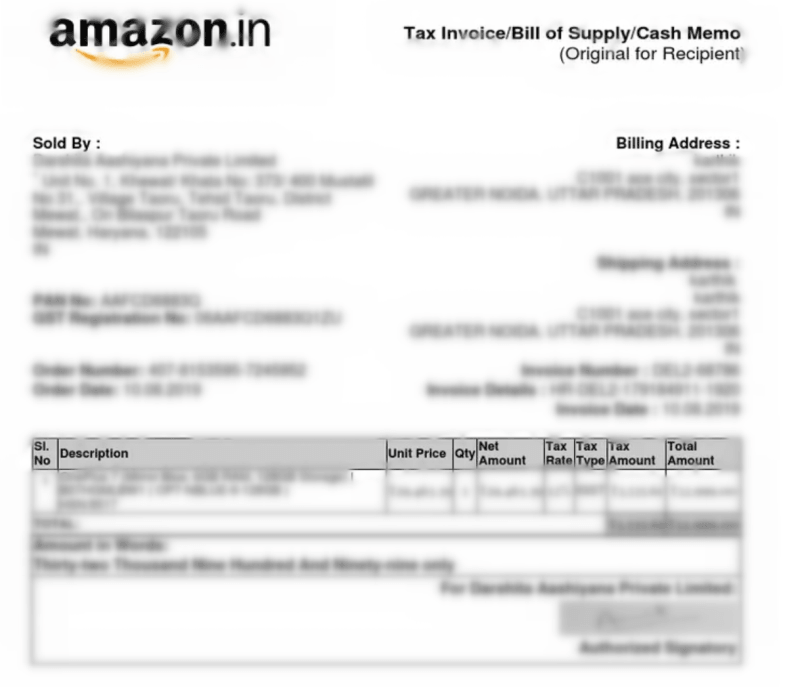
Step-by-Step Guide: How to Print Amazon Receipts
There are mainly two methods to secure a printed Amazon receipt or invoice, be it via a computer or mobile.
Method 1: Print from Amazon App (Mobile)
- 1 Open the Amazon app and log in to your account
- 2 Tap “Your Orders”, where all your purchases are listed
- 3 Select the order you want to print a receipt for
- 4 Tap “Invoice” or “View Invoice” to open the details
- 5 Download the invoice as a PDF or print it directly
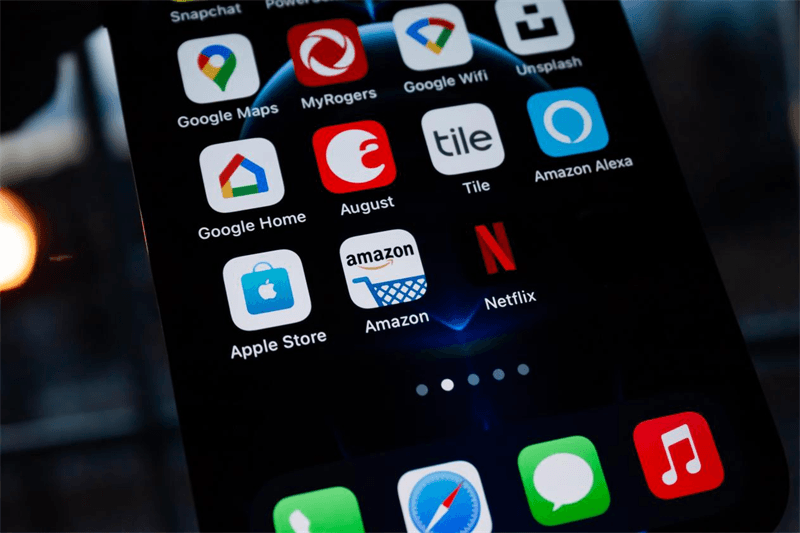
For direct mobile printing of Amazon invoices, you’ll need a A4 portable printer that supports PDF documents.
Best Way to Print Amazon Receipts from Your Phone
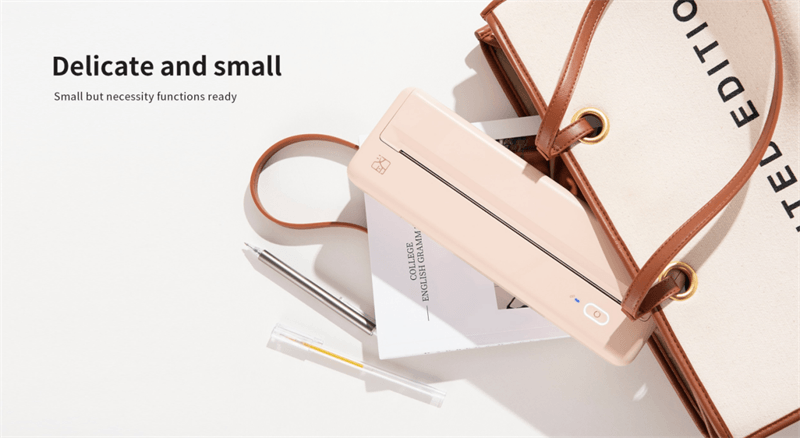
If you frequently shop on Amazon and need receipts on the go, the HPRT MT810 portable thermal printer can save time and effort. It lets you print Amazon receipt PDFs directly from your phone without transferring files to a computer—ideal for returns, reimbursements, and tax records.
Key Features:
✔ Supports A4-size Amazon invoices and documents
Compatible with 210mm and 110mm paper rolls, suitable for printing full-size invoices, order summaries, and business records.
✔ Inkless thermal printing for low-maintenance use
No ink, toner, or ribbons required—ideal for frequently printing Amazon receipts without ongoing supply costs.
✔ Bluetooth wireless printing for mobile convenience
Connects to iOS and Android devices for direct printing anytime, anywhere.
✔ Compact and portable
Lightweight and easy to carry—perfect for mobile work and travel.
✔ Multi-format support for everyday documents
Supports PDF, Word, and JPG files for everyday document printing.
✔ Long-lasting battery for on-the-go printing
2000mAh battery supports up to 4 days of use—reliable for travel, business trips, or remote work.
✔ Flat and continuous printing output
Designed to prevent paper curling, ensuring your Amazon receipts and invoices stay neat and easy to store.

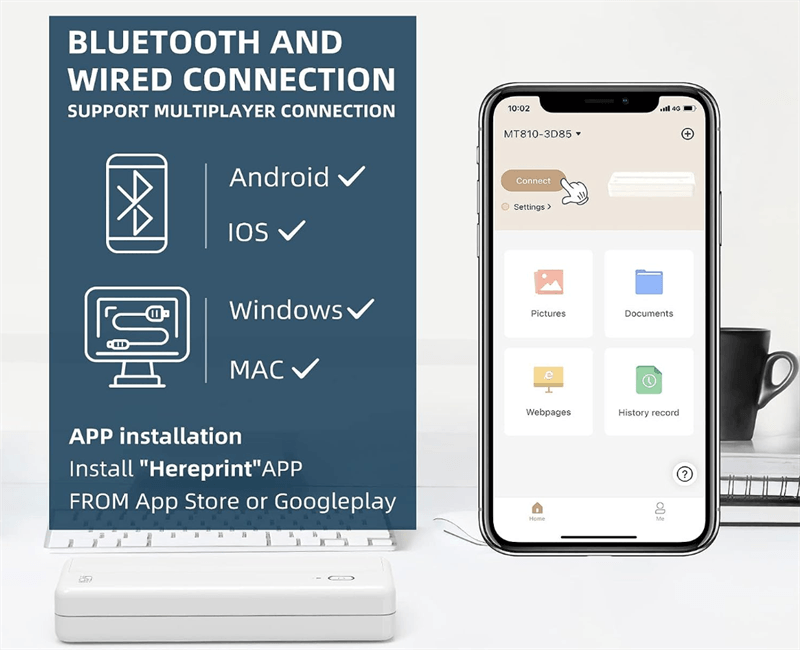
Ideal For:
- • Small business owners
- • Online sellers
- • Frequent Amazon shoppers
- • Mobile professionals
Method 2: Print from Desktop (Computer)
You can also print Amazon receipts from a computer. The process is similar to the mobile method—go to the Amazon website, open “Returns & Orders,” select your order, and click “Invoice” to print it.
This option works best if you're using a traditional inkjet or laser printer.
FAQs About Amazon Receipts
Q1: Can I print an Amazon receipt without a printer?
Yes. You can download the invoice as a PDF and print it later or keep it digitally.
Q2: Why can't I find my Amazon invoice?
Some items (like digital purchases) may not include invoices. Check both Orders and Digital Orders sections.
Q3: Is an Amazon invoice the same as a receipt?
Not exactly.
- Invoice: Includes tax and billing details
- Receipt: Confirms payment
Most Amazon documents function as both.
Q4: How do I print Amazon receipt without app?
You can log in via a browser, go to Orders, and print directly from your computer.
Q5: Can I print Amazon receipts from my phone?
Yes, but you’ll need a wireless or Bluetooth printer.
Final Thoughts
Amazon makes shopping easy—but managing receipts doesn’t have to be complicated.
By following the steps above, you can quickly download, save, or print Amazon receipts whenever needed.
If you regularly handle invoices for work or business, investing in a portable thermal printer can significantly streamline your workflow.




